The real-life decision
Start with the day, not the product page.
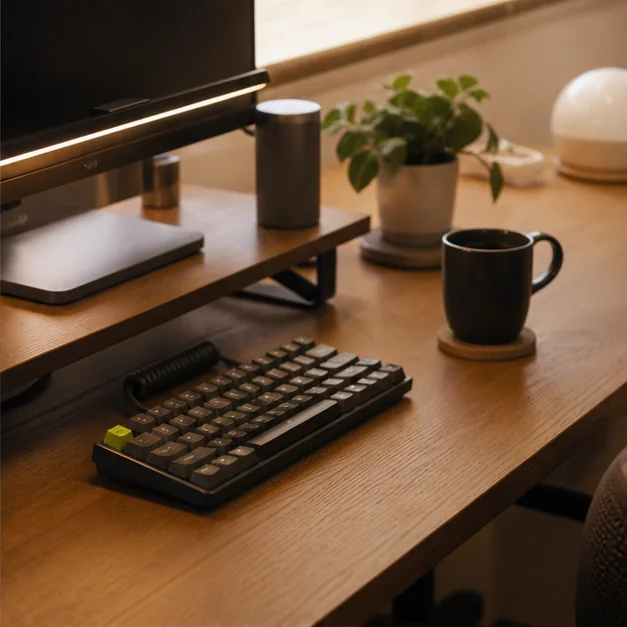
A borrowed desk at a client office has room for a laptop and little else. A thin second display can restore your reference window, but only if its stand stays put and the connection works on the first try.
Balance panel size against packed dimensions, and treat the stand and cable arrangement as primary features rather than accessories. This is the filter we use throughout the guide: the product should reduce friction in the moment it is meant to serve, while creating as little new maintenance as possible.
Hybrid workers who regularly compare documents, timelines, code, or video calls away from a permanent desk.
Your travel days are short enough that window switching is simpler than carrying another panel.
What to look for
The buying checklist.
Before comparing colors, launch stories, or a long feature list, make these three checks. They turn a broad category into a decision you can explain and repeat.
- 01
Single-cable compatibility with your computer
Check this against your own routine, space, clothing, climate, or equipment. A feature is valuable only when it changes what you can do comfortably.
- 02
A stable stand across shallow tables
Check this against your own routine, space, clothing, climate, or equipment. A feature is valuable only when it changes what you can do comfortably.
- 03
Brightness adequate for the rooms you actually use
Check this against your own routine, space, clothing, climate, or equipment. A feature is valuable only when it changes what you can do comfortably.

Three useful ways to buy
Choose by scenario.
There is no honest single winner for every reader. These routes narrow the category around three different priorities and make the cost of each choice visible.
Best for frequent travel
Choose a lighter panel with a protective cover that doubles as a stand.
The tradeoff: Folding covers are rarely the most stable option.
Use the checklist ↗Best for color-sensitive drafts
Look for credible published color coverage and calibration controls.
The tradeoff: Portable panels are not automatically reference monitors.
Use the checklist ↗Best for presentations
Favor simple input switching and broad device support.
The tradeoff: Extra ports add thickness and cost.
Use the checklist ↗What to avoid
Three shortcuts that create regret.
- Assuming every USB-C port carries video
- Ignoring the footprint behind the screen
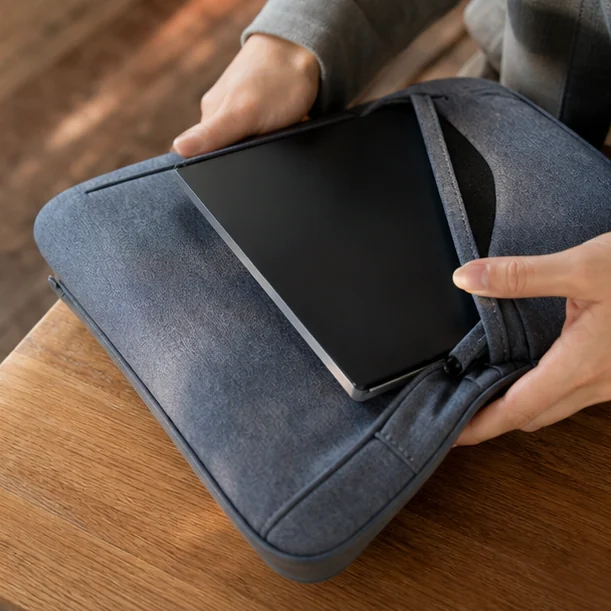
- Packing the panel against hard objects without a sleeve
Avoiding the wrong purchase is part of a buying guide’s job. If a product cannot answer the checklist above, a discount does not make it a better fit.
Living with the choice
Care is part of the value.
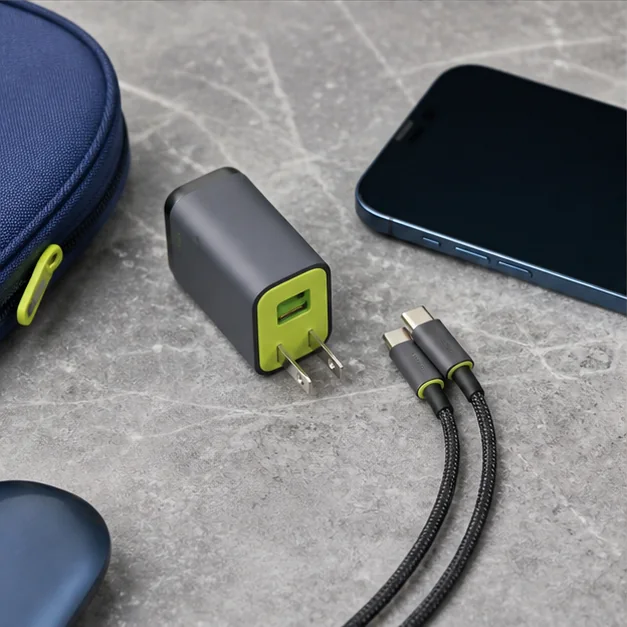
Carry the supplied or correctly rated cable, keep pressure off the panel, and label adapters so setup never depends on guesswork.
Keep the receipt and care information until the return period has passed. Reassess the product after the first ordinary week—not only the exciting first day—and notice whether it has found a stable place in your routine.
Questions readers ask
Quick answers before you buy.
How much should I spend on portable monitors for hybrid work without the bulk?
Set a budget after identifying the must-have criterion that changes your experience. Pay for that feature and reliable construction; skip upgrades that do not serve your scenario.
Is the most feature-rich option usually better?
No. Extra modes, pockets, materials, or accessories can add weight, maintenance, and confusion. A smaller feature set that fits the routine is often the stronger buy.
How can I compare options without hands-on testing?
Use published dimensions, materials, care instructions, compatibility information, and return terms. Treat unverified reviews as one signal, not proof, and avoid claims that cannot be traced to a reliable source.