The real-life decision
Start with the day, not the product page.
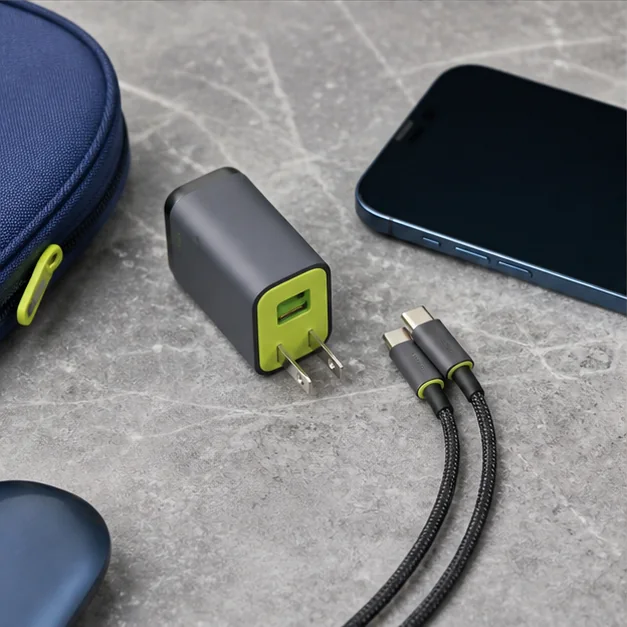
At a hotel desk with one loose wall socket, three devices and an early checkout, a compact charger becomes the quiet center of the trip. The best kit is the one you can inventory in seconds before leaving.
Add the wattage needs of devices you charge simultaneously, then buy the smallest reputable charger with sensible headroom and the ports your cables already use. This is the filter we use throughout the guide: the product should reduce friction in the moment it is meant to serve, while creating as little new maintenance as possible.
Travelers carrying a phone, tablet, compact laptop, watch, or camera in one bag.
Your laptop uses a proprietary power adapter or your itinerary never leaves home outlets.
What to look for
The buying checklist.
Before comparing colors, launch stories, or a long feature list, make these three checks. They turn a broad category into a decision you can explain and repeat.
- 01
Enough combined output for the real simultaneous load
Check the charging requirement printed on each device or its original adapter. Add only the devices you expect to charge at the same time; a phone and laptop need a different plan from a phone alone.
- 02
Clear port labeling and a shape that does not block adjacent outlets
Read the per-port output chart for both one-port and two-port use. A large total wattage on the front does not tell you what the laptop port receives when another device is connected.
- 03
Replaceable, correctly rated cables
Match cables to the power and connector requirements of the devices you carry. Label a special-purpose cable instead of assuming every USB-C cable in the bag behaves alike.
A closer look
Build the kit before choosing the brick
Lay your devices and cables on a table and make a simple charging map. The result is more useful than shopping by the largest number on the box.
Write down which devices genuinely need power at the same time. If the laptop charges overnight and the phone charges during breakfast, they need not both run at full output together.
Find the manufacturer’s output chart for every port combination you will use. USB Power Delivery manages power between charger and device, but each multiport design has its own allocation.
Plug in all cables before leaving home. Check outlet clearance, cable reach, and whether the entire kit can be packed back into one pouch without disconnecting a forgotten adapter.

Three useful ways to buy
Choose by scenario.
There is no honest single winner for every reader. These routes narrow the category around three different priorities and make the cost of each choice visible.
Best for phone-and-tablet trips
A small two-port charger keeps the kit simple.
The tradeoff: Both ports may slow when used together.
Use the checklist ↗Best for laptop travel
Choose a higher-output multiport unit with published power sharing.
The tradeoff: It will be heavier and may protrude from loose outlets.
Use the checklist ↗Best for international packing
Pair a compact charger with a separate certified plug adapter.
The tradeoff: An adapter changes plug shape, not voltage support.
Use the checklist ↗What to avoid
Three shortcuts that create regret.
- Counting peak output as if every port gets it at once
- Packing mystery cables with unknown ratings
- Buying a universal travel gadget too bulky for real outlets
Avoiding the wrong purchase is part of a buying guide’s job. If a product cannot answer the checklist above, a discount does not make it a better fit.
Living with the choice
Care is part of the value.
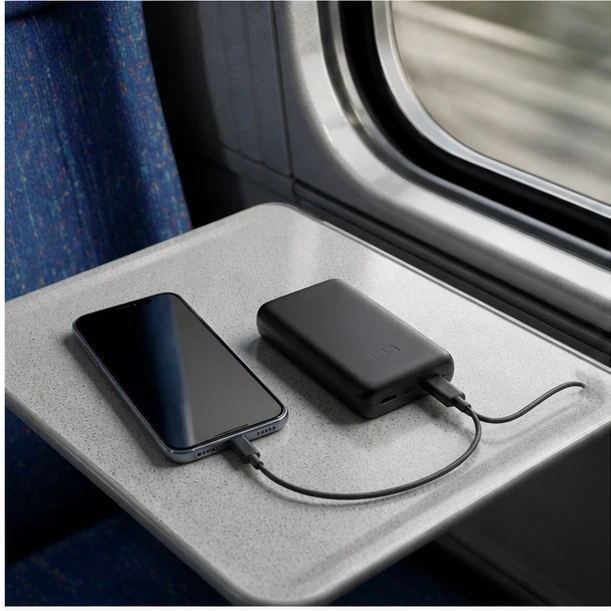
Coil cables loosely, inspect connectors for heat damage, and keep adapters in one bright pouch so the whole charging system is visible during a room sweep.
Keep the receipt and care information until the return period has passed. Reassess the product after the first ordinary week—not only the exciting first day—and notice whether it has found a stable place in your routine.
Questions readers ask
Quick answers before you buy.
Is the biggest wattage printed on the charger enough information?
No. Check the output available from the specific port you will use, including when the second port is occupied.
Will any USB-C cable work for a laptop?
Do not assume so. Check the device and cable specifications, especially when the laptop calls for higher-power USB Power Delivery.
Do I need more ports than devices?
Usually not. A compact kit is easier to manage when each port has a known job and the charger fits the outlets you encounter.
Sources and further reading
These sources support specific guidance above. Product suitability remains an editorial judgment based on your own routine.