The real-life decision
Start with the day, not the product page.
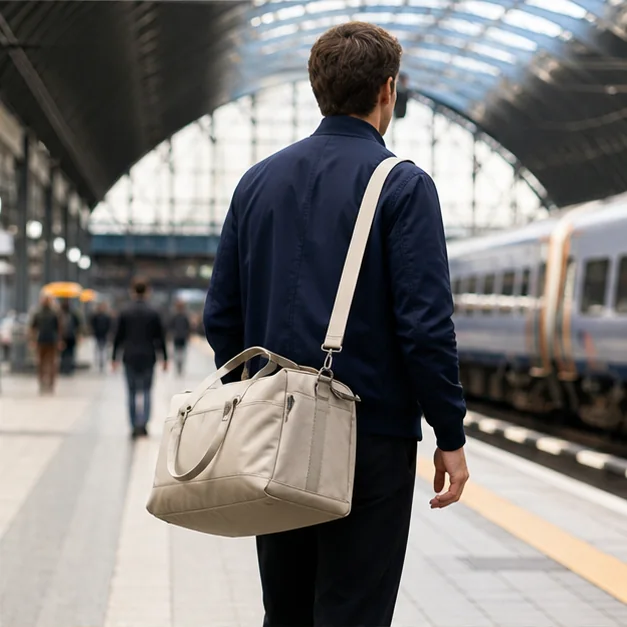
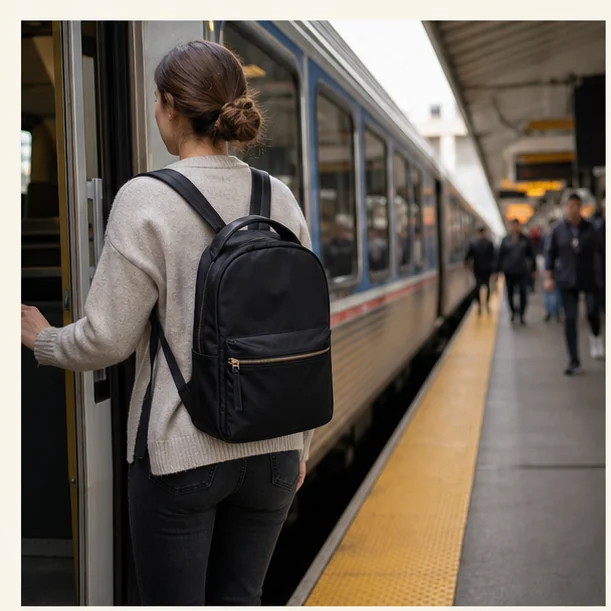
You step onto a busy bus, remove the bag without hitting anyone, and need a transit card before the doors close. Pocket placement and shape matter more here than a dramatic capacity number.
Choose the smallest volume that handles the real daily load, then test access while the bag is held in front of you. This is the filter we use throughout the guide: the product should reduce friction in the moment it is meant to serve, while creating as little new maintenance as possible.
Transit commuters carrying a laptop, bottle, light layer, and small daily essentials.
You carry bulky gym gear, specialist camera equipment, or very large workstations.
What to look for
The buying checklist.
Before comparing colors, launch stories, or a long feature list, make these three checks. They turn a broad category into a decision you can explain and repeat.
- 01
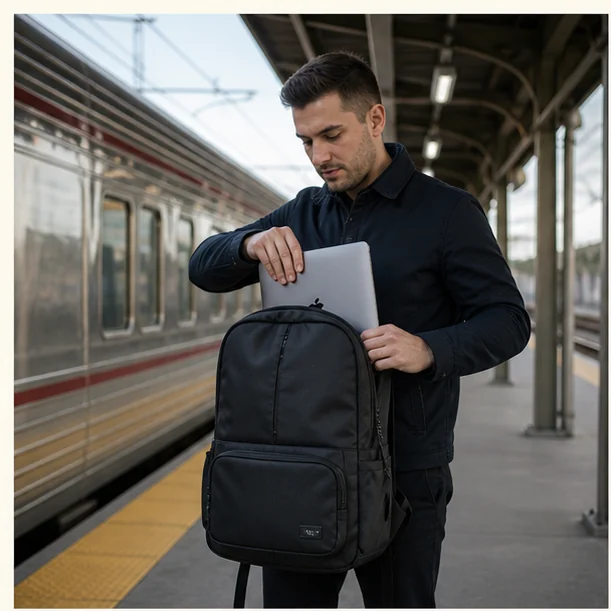
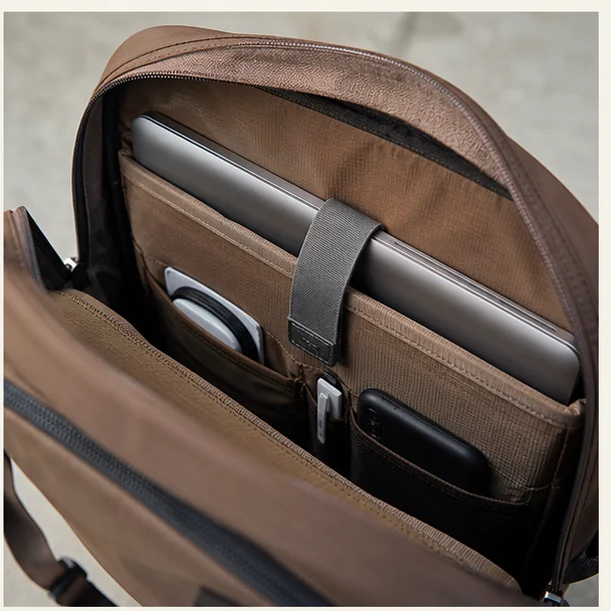
A suspended or padded laptop area sized for the actual device
Measure the laptop itself, including a bulky case if you use one. Compare those dimensions with the sleeve’s usable opening, not a generic “fits 15-inch laptops” headline.
- 02
Straps that remain comfortable over seasonal clothing
Load the bag with your usual laptop, bottle, charger, and outer layer. Walk and turn in it; shoulder straps, back panel, and bag depth matter more under a real load.
- 03
One secure quick-access pocket
Rehearse your station routine. You should be able to reach a transit card or ticket while keeping the main compartment closed and the bag close to your body.
A closer look
A transit-bag rehearsal
A good commuter bag works in motion and in tight spaces. Test access and fit with the objects you carry on an ordinary weekday, not an empty display bag.
Put the laptop, charger, water bottle, keys, and rain layer in their intended places. A sleeve that fits may still be awkward if the bottle presses against the computer.
Walk briskly, turn, and sit down with the bag at your feet. Notice whether it swings, digs into your shoulders, or takes too much floor space.
With the main zip closed, retrieve a card and phone. Keep valuables in a pocket you can monitor without opening the entire bag in a crowd.
Three useful ways to buy
Choose by scenario.
There is no honest single winner for every reader. These routes narrow the category around three different priorities and make the cost of each choice visible.
Best for packed trains
A slim structured profile stays predictable in crowds.
The tradeoff: It carries less irregular cargo.
Use the checklist ↗Best for mixed walking
Breathable contact areas and stable straps reduce shifting.
The tradeoff: More structure can add weight.
Use the checklist ↗Best for office crossover
Quiet fabric and restrained hardware look at home indoors.
The tradeoff: Minimal exteriors may hide fewer quick pockets.
Use the checklist ↗What to avoid
Three shortcuts that create regret.
- Buying more capacity “just in case”
- Ignoring the bag weight before packing
- Using an exposed pocket for valuables
Avoiding the wrong purchase is part of a buying guide’s job. If a product cannot answer the checklist above, a discount does not make it a better fit.
Living with the choice
Care is part of the value.
Empty crumbs and receipts weekly, air damp straps, and keep heavy items close to the back panel.
Keep the receipt and care information until the return period has passed. Reassess the product after the first ordinary week—not only the exciting first day—and notice whether it has found a stable place in your routine.
Questions readers ask
Quick answers before you buy.
Does a padded sleeve replace a laptop case?
It depends on the sleeve, the computer, and how the bag is handled. Check the sleeve’s bottom padding and whether the device can move against other hard objects.
Is a larger bag always more versatile?
Extra capacity can encourage overpacking and make a crowded commute harder. Buy for the load you carry most days, with a small margin for an outer layer.
How should I compare comfort?
Compare bags with the same realistic load and adjusted straps. An empty try-on tells you little about how the bag will feel after a walk.
Sources and further reading
These sources support specific guidance above. Product suitability remains an editorial judgment based on your own routine.